Symmetrical vs Asymmetrical Internet Speeds: Why the Difference Matters
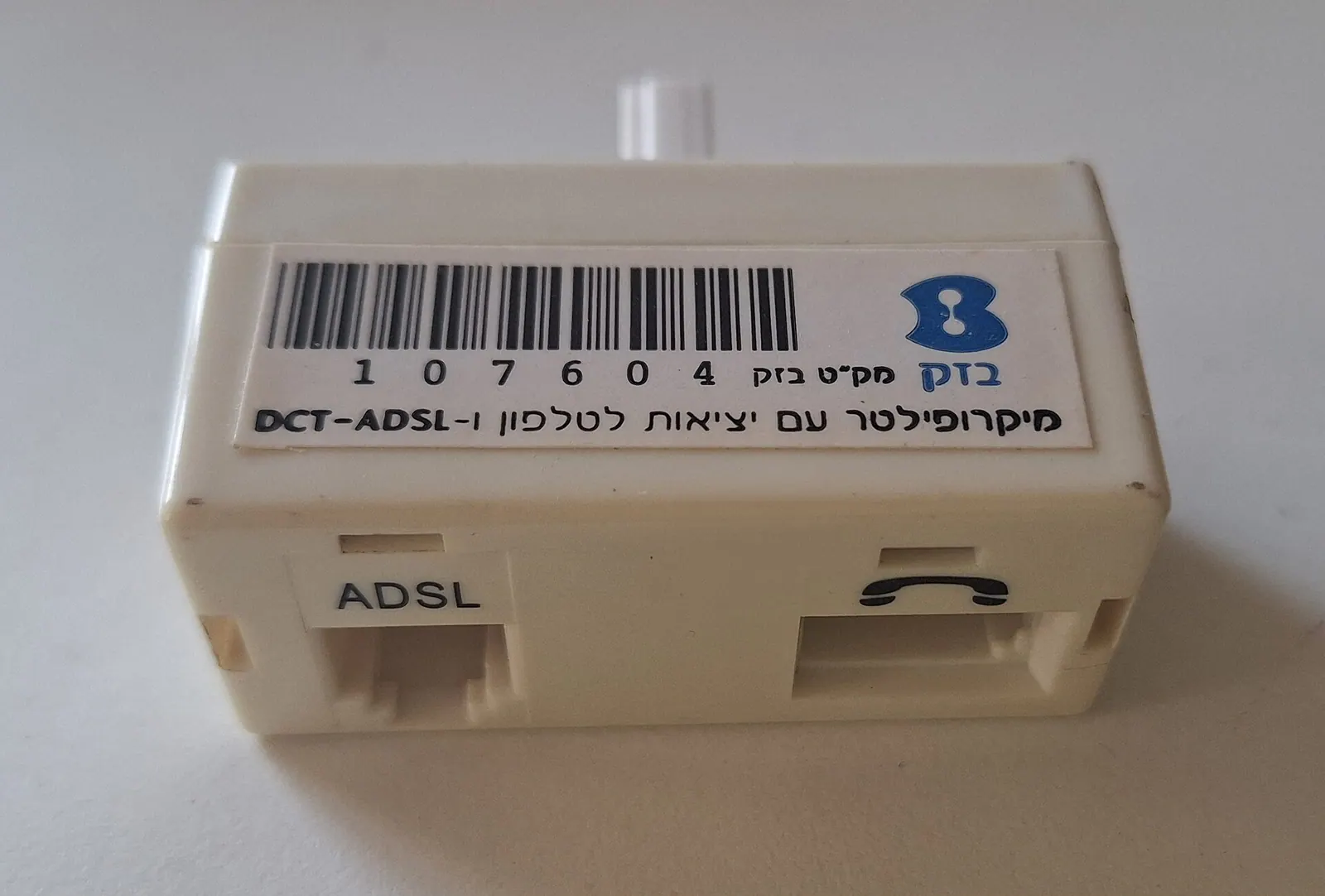
CC0, via Wikimedia Commons
Symmetrical internet means your upload speed matches your download speed, so a 500 Mbps plan gives you 500 Mbps in both directions. Asymmetrical internet, which is most cable and DSL service, might advertise 500 Mbps download but only give you 10 to 25 Mbps upload. That gap decides how well video calls, cloud backups, and remote work actually perform, not just how fast a webpage loads.
Key takeaways
- Cable and DSL are almost always asymmetrical. Upload speed is often 5% to 10% of the advertised download speed.
- Fiber is usually symmetrical. Many fiber providers offer equal upload and download on the same plan.
- Upload speed controls video calls, cloud backup, and remote server access. Download speed does not help you here.
- A household with two people on video calls at once can saturate a 10 to 20 Mbps upload connection, causing freezing and dropped calls even if download speed looks great.
- The only way to know for sure is to check the plan's upload number specifically, not just the headline download speed on the flyer or bill.
What's the actual difference between symmetrical and asymmetrical speeds?
Every internet connection has two speeds: how fast data comes to you (download) and how fast data leaves your device (upload). Symmetrical service means those two numbers are the same. Asymmetrical service means they are not, usually with download much higher than upload.
This split exists because of how different network technologies were built. Cable internet runs over infrastructure originally designed for one-way television broadcast, so cable providers had to bolt on upload capacity later, and it stayed limited. A typical cable plan advertised at 300 to 1000 Mbps download might only offer 10 to 35 Mbps upload. DSL, which runs over old copper phone lines, is even more limited, often topping out around 1 to 20 Mbps upload regardless of download tier.
Fiber-optic lines do not have this historical constraint. Light travels through the fiber strand at essentially the same capacity in both directions, so a provider can offer 300 Mbps down and 300 Mbps up on the same connection without straining the network. That is why symmetrical speeds are common on fiber plans and rare almost everywhere else.
The mismatch matters because most of what feels slow about internet today is not about receiving data. It is about sending it: joining a video call, backing up photos, uploading a large file to a client, or letting a security camera stream footage to the cloud.
Why upload speed matters more than people realize
Download speed gets all the marketing attention because it is the bigger number and it is what streaming a movie or loading a website depends on. But a growing share of daily internet use depends on upload speed, and that is the number asymmetrical plans shortchange.
Common activities that lean on upload speed:
- Video calls and conferencing (Zoom, Teams, FaceTime)
- Uploading files to cloud storage (Google Drive, Dropbox, OneDrive)
- Live streaming or uploading video content
- Remote access to a work computer or server
- Security camera and video doorbell systems that stream to the cloud
- Online backup services that continuously sync data
- Hosting a small website, VPN, or remote desktop from home
Here is what commonly goes wrong: a household signs up for a cable plan advertised at "500 Mbps" and assumes that number applies everywhere. Then two people try to be on video calls at the same time, someone else is backing up phone photos in the background, and suddenly calls are freezing and voices are cutting out. The download speed is fine. The upload speed, maybe 15 to 20 Mbps total, is getting divided among several demanding uses at once and running out.
Video calls typically need somewhere in the range of 1.5 to 3 Mbps upload per participant for decent quality, more for HD or if screen sharing is involved. That sounds small, but stack three or four simultaneous calls in a household, add a cloud backup running in the background, and a 10 to 20 Mbps upload connection is suddenly out of room. This is the single most common cause of "my internet is fast but video calls still lag" complaints.
Who feels the asymmetry the most
Remote workers feel this first. A home office that depends on video meetings, large file uploads, or remote access to a work server needs reliable upload capacity every single workday, not just occasionally. If a household has more than one remote worker, the upload demand doubles or triples, and a plan that looked adequate on paper starts to strain.
Small businesses run into it constantly. A business that uploads video, transfers large design files, backs up point-of-sale or inventory data to the cloud, or hosts video consultations needs upload speed that matches its download speed, not a fraction of it. A retail or service business with cloud-based payment processing and several employees streaming or uploading at once can find its cable connection struggling during peak hours even though the download speed test looks fine.
Households with security cameras, smart home devices, or multiple people working and studying from home at the same time also lean heavily on upload. Each camera streaming continuously to the cloud uses upload bandwidth around the clock, not just during business hours.
Community and municipal leaders evaluating broadband for a town, school district, or economic development project should treat symmetrical speed as a baseline requirement, not a nice-to-have. Telehealth, remote learning, government video services, and small business competitiveness all depend on residents and organizations being able to send data reliably, not just receive it. A community with only asymmetrical options available is at a real disadvantage for remote work, distance learning, and telehealth adoption, even if download speeds look competitive on paper.
How to check what you actually have
Most people have never looked at their upload speed specifically. Here is how to find out what plan you actually have and whether it is symmetrical or asymmetrical.
- Check your bill or plan description. Providers are required to disclose upload speed, though it is often in smaller print than the download number. Look for two numbers separated by a slash, like "500/20 Mbps," where the second number is upload.
- Run a speed test. Free tools measure both download and upload. Run the test a few times at different points in the day, since results can vary.
- Compare the two numbers. If download and upload are close (within 10% to 20% of each other), the connection is symmetrical or close to it. If upload is a small fraction of download, typically under 25%, it is asymmetrical.
- Ask directly when shopping for a plan. Providers do not always volunteer upload speed. Ask specifically: "What is the upload speed on this plan, not just the download speed?"
One thing that trips people up: some providers list plans by download speed only in advertising, with upload speed buried in a footnote or a separate spec sheet. It is worth asking directly rather than assuming a "gig" plan means gigabit in both directions. On many cable networks, it does not.
FAQ
Does symmetrical speed cost more than asymmetrical?
Not necessarily. Fiber providers often include symmetrical speed as standard on their plans rather than charging extra for it, since the underlying technology supports equal speeds in both directions without added cost. Cable providers, by contrast, may charge a premium for a business-tier plan with better upload, since boosting upload on their network requires more infrastructure work.
Will I notice a difference if I just browse and stream video?
Probably not much. Streaming video, browsing, and gaming rely mostly on download speed, so an asymmetrical connection can handle those fine. The difference shows up specifically with video calls, cloud uploads, backups, and remote work tasks that depend on sending data.
How much upload speed do I actually need?
For a household with occasional video calls and light cloud use, 10 to 20 Mbps upload may be enough. For a household or business with multiple simultaneous video calls, large file uploads, security cameras, or remote server access, 100 Mbps or more upload, or a fully symmetrical plan, avoids the bottleneck. The honest answer depends on how many people and devices are uploading at the same time, so it is worth thinking in terms of concurrent use rather than a single fixed number.
What to do with this information
If your household or business regularly deals with laggy video calls, slow cloud uploads, or backups that seem to take forever, check your upload speed before assuming the whole connection is bad. It is often the upload side quietly running out of room while download speed looks fine on a basic speed test. Fiber connections, including the symmetrical plans GigSpeed builds directly to homes and businesses, remove that bottleneck by giving the same speed in both directions, so the plan performs the same whether you are downloading a movie or uploading a file for work. Whatever provider you use, the fix starts with knowing your actual upload number, not just the one on the flyer.
Ready for internet that actually keeps up?
Fiber straight to your home or business, with support from people who know networks.
Check availability