Wi-Fi 6 vs Wired Ethernet: When Wireless Isn't Enough for Gigabit Speeds
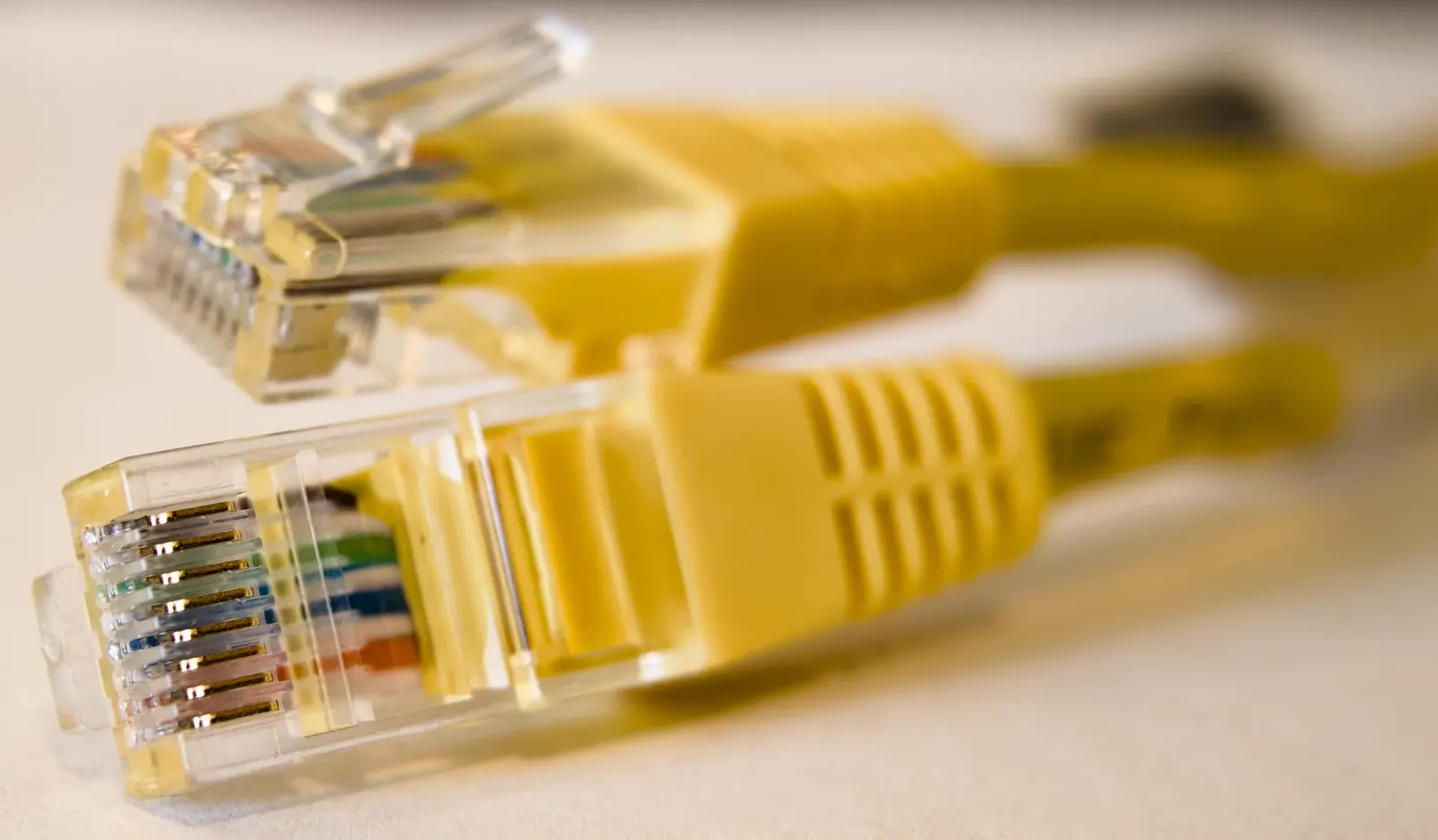
CC0, via Wikimedia Commons
If you pay for gigabit fiber and your speed test shows 300 or 400 Mbps, your internet connection is probably fine. Your Wi-Fi is the bottleneck. This mix-up happens constantly because people test speed on a phone or laptop sitting on wireless, assume that number is the whole truth, and call their provider convinced something is broken. Often nothing is broken. Wireless just has limits that wired connections don't, and those limits get obvious the moment your plan speed climbs past what a typical home network was built to handle.
"Wi-Fi 6 is basically as fast as wired, so it doesn't matter how I connect"
Wi-Fi 6 is a real improvement over older standards. It handles more devices at once, manages traffic better, and can hit theoretical speeds in the range of 1 to 9.6 Gbps depending on the hardware. That number comes from lab conditions with ideal spacing and no interference. In a real house, with walls, other electronics, neighboring networks, and a device that isn't sitting next to the router, actual throughput is commonly a fraction of that, often somewhere between 200 Mbps and 600 Mbps for a single device. The kernel of truth is that Wi-Fi 6 genuinely narrowed the gap with Ethernet. It did not close it, especially at gigabit and multi-gigabit speeds.
"If one device on my network gets full speed, they all should"
Wireless bandwidth is shared. Every device connected to the same router, on the same band, is taking turns and splitting available capacity, not each getting a full, independent lane. A laptop sitting five feet from the router might pull close to its max wireless speed. A tablet two rooms away, going through a couple of walls, might get a quarter of that, even though it's on the same network and the same plan. Distance, obstructions, and the number of active devices all eat into what any single device can actually get. This is normal behavior for wireless networks, not a sign of a faulty router, though a cheap or outdated router makes the problem worse.
"A speed test on my phone tells me what my internet connection can actually do"
A speed test measures the entire path from the test server to the device you're testing on, including the Wi-Fi chip in that device, the signal strength at that moment, and everything else sharing the network. Many phones and budget laptops have wireless chips that cap out well below gigabit speeds no matter how good the signal is. So a phone showing 350 Mbps on a gigabit plan isn't proof the plan is underdelivering. It's often proof that the phone's Wi-Fi hardware was never built to exceed that number. The only way to see what your actual internet service is doing is to test on a device connected directly to the router with an Ethernet cable. If that wired test shows close to your plan speed and the wireless test doesn't, the gap is your Wi-Fi setup, not your service.
What actually matters instead
The question worth asking isn't "wired or wireless," it's "which devices actually need gigabit speed, and are they getting a fair shot at it." A few practical points:
- For speeds above roughly 500 Mbps to 1 Gbps, wired Ethernet is still the most reliable way to guarantee full speed to a single device, especially for things like desktop computers, work-from-home setups, gaming consoles, and streaming boxes that sit still anyway.
- Wi-Fi 6 or 6E is genuinely well suited for phones, tablets, laptops that move around the house, and smart home devices, where mobility matters more than squeezing out the last 200 Mbps.
- Router placement matters more than most people expect. Central, open locations beat closets, basements, or corners behind furniture. Mesh systems with multiple access points usually outperform a single router pushed to cover a large or multi-story home.
- The 5GHz or 6GHz band gives higher speeds over shorter range. The 2.4GHz band reaches farther but is slower and more crowded. Devices far from the router often default to 2.4GHz, which caps their speed regardless of your plan.
- Old routers, especially ones more than four or five years old, often can't take advantage of modern fiber speeds even with Wi-Fi 6 client devices, because the router itself becomes the limiting piece of hardware.
If you've run a wired speed test and it matches your plan, your fiber connection is doing its job. From there, improving wireless performance is about router placement, band usage, and sometimes adding access points, not about chasing a faster internet plan you already have. Providers like GigSpeed can confirm what speed is actually reaching your home, which is the right first step before troubleshooting anything inside the house. If the wired number is also low, that's when it's worth calling your provider to check the line itself rather than the Wi-Fi.
Ready for internet that actually keeps up?
Fiber straight to your home or business, with support from people who know networks.
Check availability